How to run a bilingual church service
A practical guide on how to run a bilingual church service without splitting your congregation, with options, steps, and costs.
SermonLM Team · · 8 min read
To run one service for two language groups without splitting the church, pick one way to carry the sermon into the second language (a live interpreter, a screen with text, or each person's own phone), and keep everything else in the service the same. This guide walks through how to run a bilingual service from start to finish. It compares the main options, gives you a simple week-of checklist, and shows where SermonLM fits if you want each person to use their own phone.
Pick your way to carry the sermon
Churches with two language groups, such as English and Spanish, English and Korean, or English and Mandarin, usually look at four ways to handle Sunday morning. Each option has real requirements and real limits.
| Option | What you need | Honest limit |
|---|---|---|
| A volunteer interpreter beside the pastor | A bilingual volunteer | The pastor has to say a sentence or two and wait, which cuts the flow of the sermon, and interpreting is tiring for one person |
| Two services, one per language | A second time slot and a second set of volunteers | It splits the church, and a family whose members speak different first languages cannot sit together and each follow in their own language |
| Text on a screen | A screen in the room and someone to type or run it | People must look up at the wall instead of at each other |
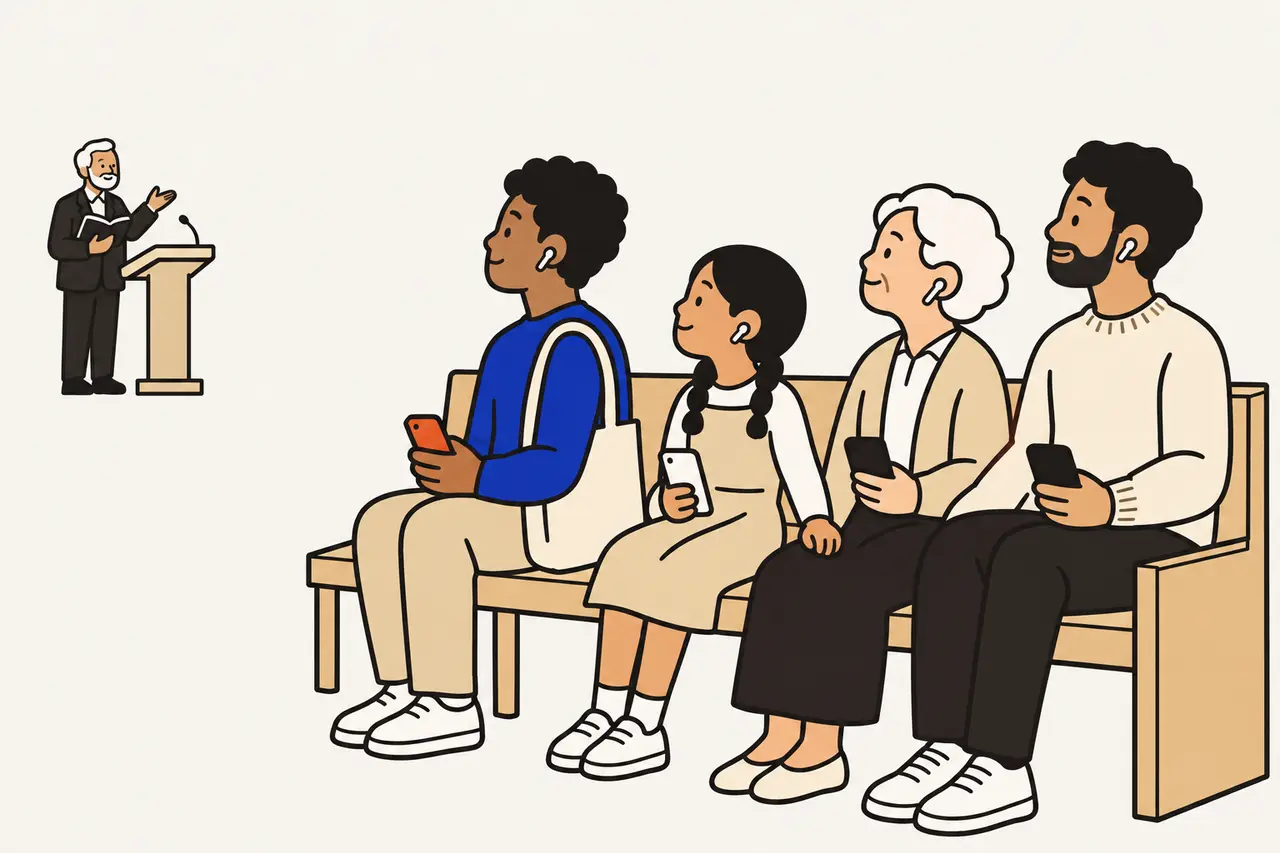
| Each person's own phone and earphones | A laptop connected to the church's sound system, internet, and a way to share a QR code | There is a short delay; text shows a few seconds after the pastor speaks and the AI voice a little later; it needs internet |
Some churches also use transmitters and headsets that someone has to hand out and collect.
If your church also streams the service, see how to add a SermonLM caption link to your livestream and test it before Sunday.
Steps to run one service for both groups
Once you know which direction fits your church, you can set up a bilingual worship service this week with a few steady steps.
- Decide which language the sermon is in and which language group needs help. A church might preach in English for Arabic speakers, or preach in Spanish for English speakers.
- Pick the way from the table above that fits your volunteers, your room, and your budget.
- Tell the pastor to speak at a natural pace and to send the sermon notes ahead of time to whoever carries the second language.
- Show the same slides or lyrics in both languages if you can, so everyone in the room can follow the flow of the service together.
- Put the way to join, such as a QR code on a screen at the door, in the bulletin, or on a sign, where newcomers will see it before they sit down.
- Welcome and announce in both languages so guests know right away that they belong in the room.
- Test on a weekday before Sunday so your tech volunteer is not troubleshooting five minutes before the service starts.
- Ask the second language group for feedback after the first month, and adjust what feels awkward or hard to follow.
Where SermonLM fits
SermonLM is live sermon translation for churches with more than one language. It is built for churches that want to translate a church service without splitting the room. Guests need only their own phone and their own earphones. They scan a QR code and read or listen in their language, with nothing to download and no account.
The church connects SermonLM to its sound system from a laptop and starts. There are no transmitters, receivers, or headsets to buy, hand out, or collect. Families who speak different first languages can sit together, each following in their own language. The pastor can talk freely at a normal pace, because nobody stands beside the pastor and waits. You can read more about how it works on our site.
SermonLM works in many languages, and each one can be the sermon language or the guest's language. Supported languages include Arabic, English, French, German, Hindi, Indonesian, Japanese, Korean, Mandarin, Portuguese, Russian, Spanish, Tagalog, Ukrainian, and Vietnamese. You can see all languages or look at our Spanish page and our Spanish-English sermon translation plan if that is your main pair.
SermonLM is made for sermons, prayers, Bible readings, and announcements, not for songs. When the worship team leads music, press Pause recording during worship songs, then resume when someone speaks again.
AI translation can still make mistakes, so test it with a past sermon before you use it on a Sunday. We take the accuracy of every translation seriously, and we are always working to make it better for sermons.
Your own interpreters, from anywhere
Churches can bring their own interpreters at no extra charge on every monthly plan. A church interpreter can work from anywhere in the church or remotely. They need only a laptop, a USB microphone, and internet. They sign in on their own device, hear the pastor, and speak to the people who chose them.
Guests pick the interpreter by name and language on their phone. Interpreters usually prepare before the sermon, and the pastor's live words appear as text they can use as a reference if they want it. Human interpreters can work in any language. Note that SermonLM's free credit and pay as you go do not include your own interpreters.
What it costs
Start with $10 free credit, no card required. The credit pays for 1 translation hour, which is 1 language for 1 hour, or 3 languages at once for about 20 minutes. All prices are in US dollars, before tax. You pay only while words are being translated, so quiet time is free.
| Plan | Price | Included hours | AI languages at once | Own interpreters |
|---|---|---|---|---|
| Pay as you go | $10 per translation hour, billed by the minute | None | 3 | Not included |
| Standard | $99 a month | 10 service hours | 3 | Included |
| Premium | $299 a month | 15 service hours | 5 | Included |
| Max | $499 a month | 20 service hours | 7 | Included |
On a monthly plan, a service hour counts once for all AI languages, and extra hours are $8 for each language. For example, with one translated language, a 1-hour service uses 1 translation hour ($10) on pay as you go and 1 service hour on a monthly plan. With 3 AI languages, that same 1-hour service still uses 1 service hour on a monthly plan, compared to 3 translation hours ($30) on pay as you go. Every plan allows up to 500 listeners per session. Full details are on the pricing page.
How to try it before Sunday
The best way to see if this fits your church is to try it on a weekday. Start with $10 free credit, no card required.
Once you are in, test with a past sermon video, for example from the church's YouTube channel, using Playback in the studio. You can follow our guide to test before Sunday to check the audio, scan the QR code on your own phone, and hear how it sounds. When you are ready, run it on a Sunday.
Questions churches ask
What is a bilingual church service?
A bilingual church service is one gathering where two language groups worship and hear the sermon together in the same room. Instead of splitting into separate services, the church keeps the music, prayers, and teaching together and uses a clear way to carry the sermon into the second language.
Do guests need to download an app?
No. Guests scan a QR code or open a link on their phone, and it opens right in the phone's web browser. There is nothing to download and no account to create.
Can we use our own interpreters?
Yes, on any monthly plan. Your church interpreter signs in on a laptop with a USB microphone from anywhere in the building or remotely, and guests select them by name and language on their phone. Note that SermonLM's free credit and pay as you go do not include your own interpreters.
Is there a delay?
Yes, there is a short delay. Text appears on the guest's phone a few seconds after the pastor speaks, and the AI voice follows a little later.
Does it translate worship songs?
No. SermonLM is made for sermons, prayers, Bible readings, and announcements, not for songs. Simply press Pause recording during worship songs and start again when the speaking resumes.