Live Sermon Translation for Churches
Live sermon translation puts the pastor's words on each guest's phone as text and AI voice, so families can sit together in one service.
SermonLM Team · · 8 min read
Live sermon translation for churches
Live sermon translation takes the pastor's words as they are spoken and sends them to each guest's own phone, as text and as an AI voice, in the guest's language. Guests scan a QR code or open a link, with nothing to download. A family whose members speak different first languages can sit together in one service, each following in their own language.
How it works for your guests
Newcomers and regular attenders do not need to ask for help or pick up a headset at the door. When they sit down, they scan a QR code on the screen or in the bulletin, or open a link. SermonLM opens right in the web browser on their phone, tablet, or computer, with no app to download.
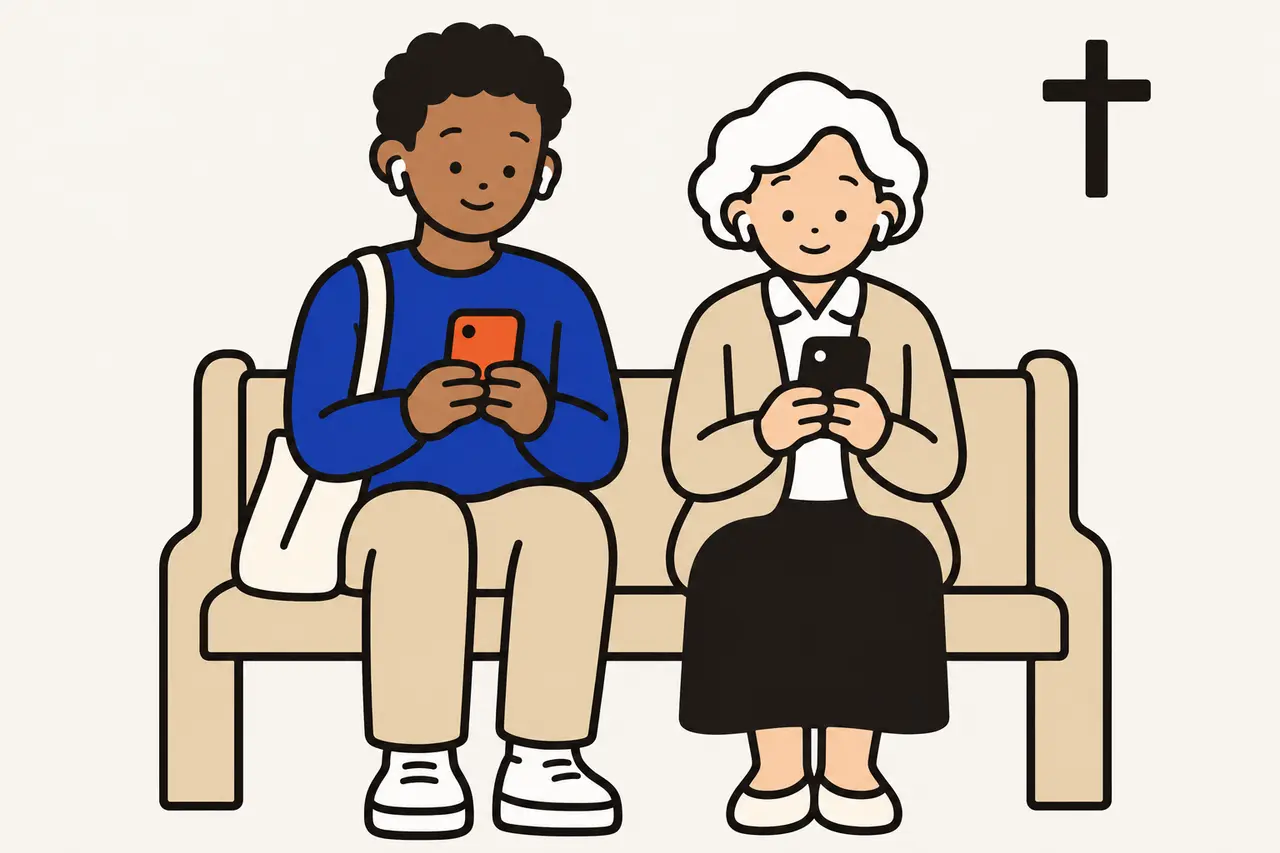
From there, each guest chooses their language. They can read the live text on their screen, or put in their own earphones to listen to the translated voice. Many guests can join the same session at the same time.
How it works for the pastor
You preach as usual. When an interpreter stands beside the pastor, the pastor has to say a sentence or two and wait. With a live sermon translator like SermonLM, you can talk freely at your normal pace.
SermonLM is made for sermons, with church-language rules for some languages. For some languages, when SermonLM detects that the pastor is quoting a verse, it uses a real Bible text as a reference for the verse and keeps the pastor's own words. It does not catch every quotation, and not every language has a Bible text. Before the service, you can add your church's own terms, pick the Bible version for a language where a Bible text is available, and upload sermon notes so SermonLM learns the names and key terms in them.
We take the accuracy of every translation seriously, and we are always working to make it better for sermons. It works best when the speaker is clear and close to the microphone. If the pastor mumbles, speaks away from the microphone, talks over music, or leaves sentences unfinished, the translation can be wrong or miss words. Because AI can make mistakes, your church can review and edit the translation afterward.
How it works for the tech volunteer
Your tech volunteer runs one cable from the sound desk to a laptop running SermonLM in Chrome, connects the laptop to the internet, and starts the session, with nothing to hand out or collect.
After the service, every sermon is saved. You can read and search the transcript and each translation, or download them as clean text, Word, or subtitles (.srt) for video.
To put captions on your church's livestream too, follow the steps for adding the caption link as a Browser source before Sunday.
AI voice, live text or your own interpreters
SermonLM gives your church three ways to serve guests, and all three can work together in one service.
| Option | How guests receive it | Who provides it | Included on |
|---|---|---|---|
| AI voice | Guests listen with earphones on their phone | SermonLM reads the translation aloud | All plans and pay as you go |
| Live text | Guests read subtitles on their phone screen | SermonLM translates as the pastor speaks | All plans and pay as you go |
| Your own interpreters | Guests hear your interpreter on their phone | Your interpreter signs in as a Translator | Monthly plans at no extra charge |
If you have volunteer or staff interpreters, they sign in as a Translator on their own device from anywhere in the church, or remotely. They hear the pastor, can read the live text if they want it as a reference, and speak in any language. Guests who choose that language hear your interpreter, while other languages can use an AI voice.
Languages
SermonLM works in many languages, and each one can be the sermon language or the guest's language. Available languages include Arabic, English, French, German, Hindi, Indonesian, Japanese, Korean, Mandarin, Portuguese, Russian, Spanish, Tagalog, Ukrainian, and Vietnamese, among others. You can see all of them on the all languages page, or read more about Spanish, Korean, and Mandarin.
How many AI languages you can run at once depends on your plan: 3, 5, or 7. Your own interpreters do not use up your AI language limit or your hours.
What it costs
Start with $10 free credit, no card required. The credit pays for 1 translation hour, which is 1 hour of the pastor's words in 1 language. With 3 AI languages at once the credit lasts about 20 minutes of speaking, because each language uses its own translation time. Up to 3 AI languages can run at once. After that, you can use pay as you go or a monthly plan. All prices are in US dollars, before tax. You pay only while words are being translated, so quiet time is free. Singing has words, so it counts: press Pause recording during songs. Paused time does not count.
| Plan | Price | Included hours | AI languages at once | Own interpreters |
|---|---|---|---|---|
| Pay as you go | $10 per translation hour, billed by the minute | None | 3 | Not included |
| Standard | $99 a month | 10 service hours | 3 | Included |
| Premium | $299 a month | 15 service hours | 5 | Included |
| Max | $499 a month | 20 service hours | 7 | Included |
On a monthly plan, a service hour counts once for all AI languages, and extra hours are $8 for each language. For example, a 1-hour service in 3 languages uses 1 service hour on a monthly plan, while on pay as you go it uses 3 translation hours ($30). You can see full details on the pricing page, or read our cost guide comparing receiver kits and paid interpreters.
How to start
You can try live translation for churches before Sunday morning in three steps:
- Sign up and get the $10 free credit, with no card required.
- Test with a past sermon video, for example from your YouTube channel, using Playback in the studio.
- Run it on a Sunday.
For a walkthrough of testing ahead of time, read our guide on how to test before Sunday, and grab our Sunday welcome kit for guests to help newcomers connect. You can also see a full overview on the how it works page.
Questions churches ask
Do guests need to download an app?
No. Guests scan a QR code or open a link, and SermonLM opens in the web browser on their phone, tablet, or computer. They use their own phone to read and their own earphones to listen.
Is there a delay?
Text appears a few seconds after the pastor speaks. AI voice follows a little later, because it needs the translated sentence first.
Can our own interpreters use it?
Yes. On every monthly plan, your interpreter signs in as a Translator on their own device from anywhere in the church or remotely, at no extra charge. They hear the pastor, can read the live text if they want it, and speak in any language, without counting toward your AI language limit. Your own interpreters are not included with pay as you go or the free credit.
Does it translate worship songs?
No. SermonLM is made for sermons, prayers, Bible readings, and announcements, not for songs. During worship songs, your tech volunteer presses Pause recording.
How accurate is AI translation for churches?
The translation depends on a clear speaker close to the microphone. For some languages, when SermonLM detects that the pastor is quoting a verse, it uses a real Bible text as a reference for the verse and keeps the pastor's own words. It does not catch every quotation, and not every language has a Bible text. You can also add your church's own terms and sermon notes. Because AI can make mistakes, especially if the speaker mumbles or talks over music, you can review and edit the translation afterward.
How much does live sermon translation cost?
Start with $10 free credit, no card required. The credit pays for 1 translation hour, which is 1 language for 1 hour, or 3 languages at once for about 20 minutes. Pay as you go is $10 per translation hour, billed by the minute, and monthly plans start at $99 a month for 10 service hours in up to 3 AI languages.
If you want to see how AI translation for churches works with your own sermon audio, you can try it today. Start with $10 free credit, no card required.