A Sunday welcome kit for live sermon translation
Prepare live sermon translation guest help for Sunday with QR-card wording, a welcome announcement, phone steps and a volunteer handoff.
SermonLM Team · · 5 min read
A Sunday guest-help kit gives your welcome team words to use at the door, during the welcome announcement and beside a guest's phone. SermonLM is live sermon translation for multilingual churches. Congregants scan a QR code and listen on their own phone. The card, announcement and checklist below give your team wording to adapt for Sunday.
SermonLM is live sermon translation, not a sermon writer.
Before you plan the welcome, read how it works for guests, the pastor and the tech volunteer.
Match the invitation to what your church will offer that day. Confirm which languages guests can choose and whether audio will be offered for each. Keep those choices in mind as you prepare the welcome.
Agree on the welcome team's plan
Choose where guests will find the church's actual QR code and where they can ask for help. A card at the door or a notice in the bulletin can be part of that plan. Give the person making the announcement the same information as the greeters.
Assign a helper who can stay available during the sermon. Let the welcome team know where that person will be, so a guest has someone to turn to after finding a seat. If a bilingual volunteer is available, agree how they could help when a guest needs another way to follow.
Use the before-Sunday testing guide for the rehearsal. Then bring the agreed guest instructions to the welcome team.
Put a clear invitation beside the QR code
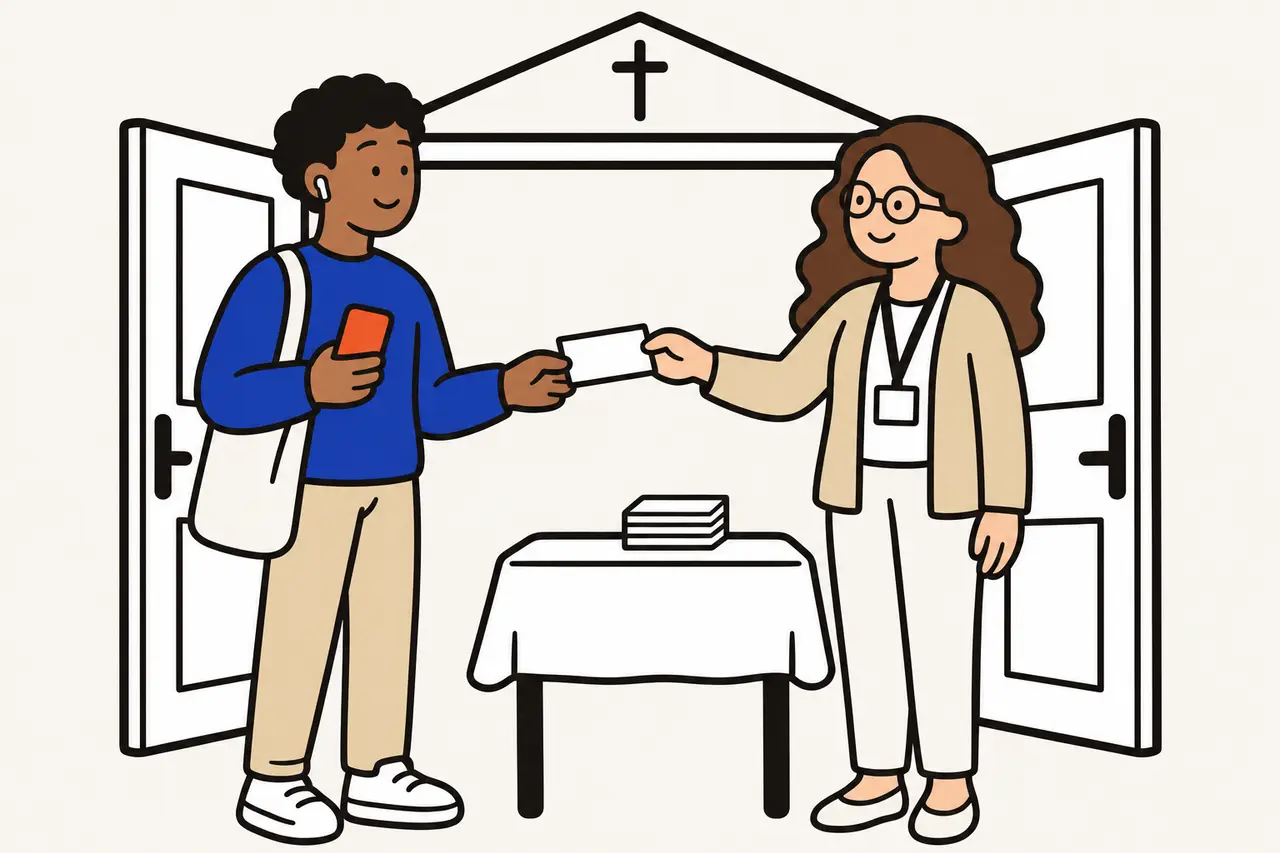
Place your church's actual QR code beside the card text. Keep the invitation easy to find and leave space around it so guests can read it while speaking with a greeter.
Proposed church wording for a QR card — adapt for your service:
Follow today's sermon in an available language on your own phone. Scan the QR code, open the church lobby and tap the live sermon. Choose your preferred language if it is listed. Ask our welcome team if you would like help getting started.
A greeter can point out the card and ask which language the guest prefers. Check the available choices together before suggesting a language. Give the guest time to answer and to use their phone.
Carry the invitation into the welcome
A short announcement can introduce the same steps to people who have already taken their seats. Plan when to say it and who will make themselves available afterward. Match references to the card with where your church has actually placed it.
Proposed church wording for a welcome announcement — adapt for your service:
Welcome. If you would like help following today's sermon in another language, please look for our translation QR card. Scan the code with your phone and choose from the languages available for today's sermon. Our welcome team can help you get started or find the helper who will be available during the sermon.
Read the wording aloud with the team beforehand. Make sure the greeters know who will respond when someone asks for help.
Give guests a short phone checklist
Keep these instructions with the welcome team, ready to read aloud or show to a guest. Pause after each step so the guest can follow at their own pace.
- Open your phone's camera and scan the church's QR code.
- Open the link in your browser to reach the church lobby.
- Tap the live sermon when it is available.
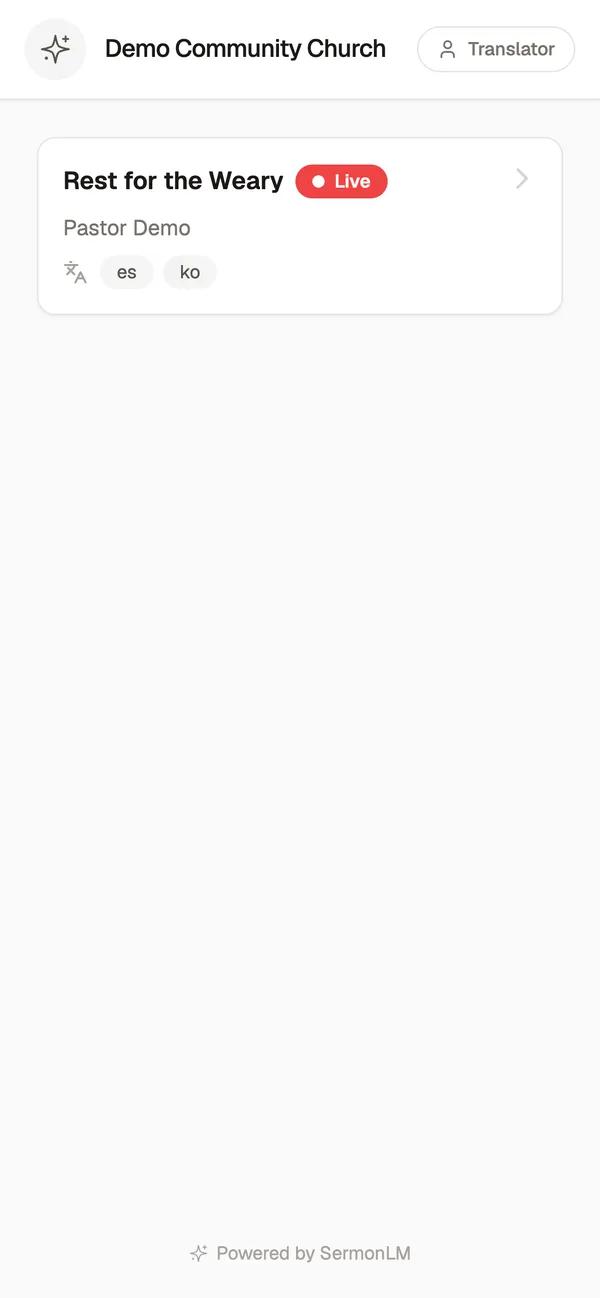
- Choose your preferred language if it appears among the available choices.
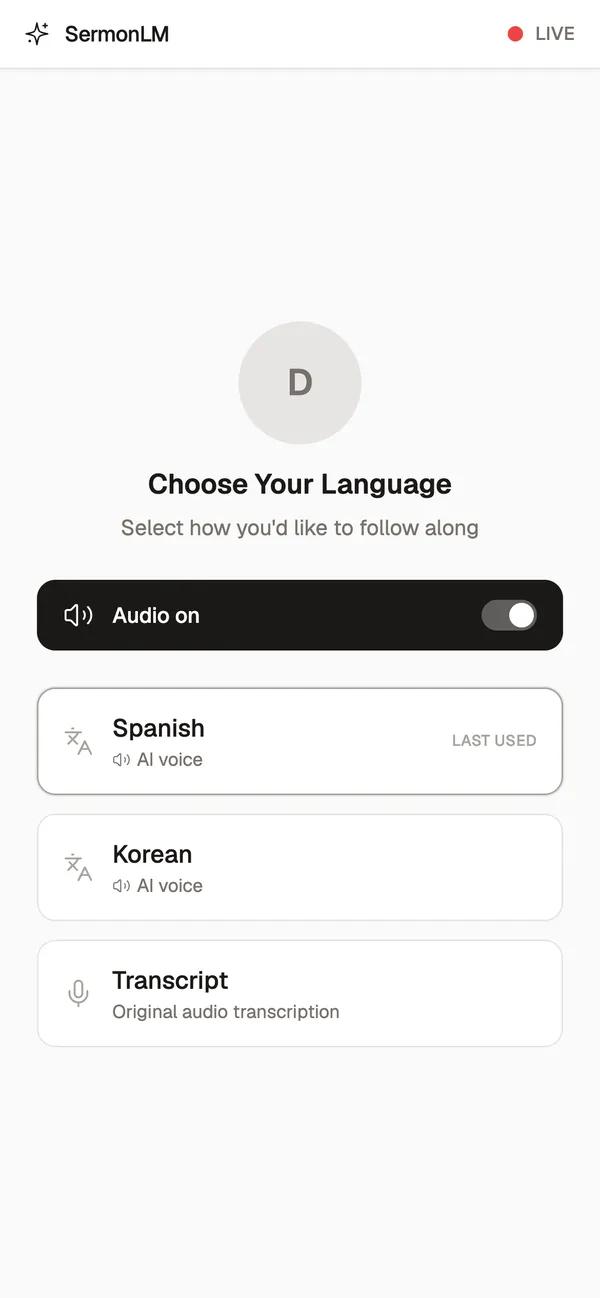
- If audio is offered for that language, tap to start it and adjust your phone's volume.
- Ask the welcome team for help if you get stuck or your preferred language is missing.
If headphones are available, you can offer them. Let the guest decide whether to use them. For detailed setup and troubleshooting, keep our guide to helping guests join sermon translation available to the team.
Make the helper handoff personal
Ask before touching a guest's phone. Start with a simple offer: “Would you like me to talk you through it?” Point out the next step and allow the guest to tap it themselves if they prefer.
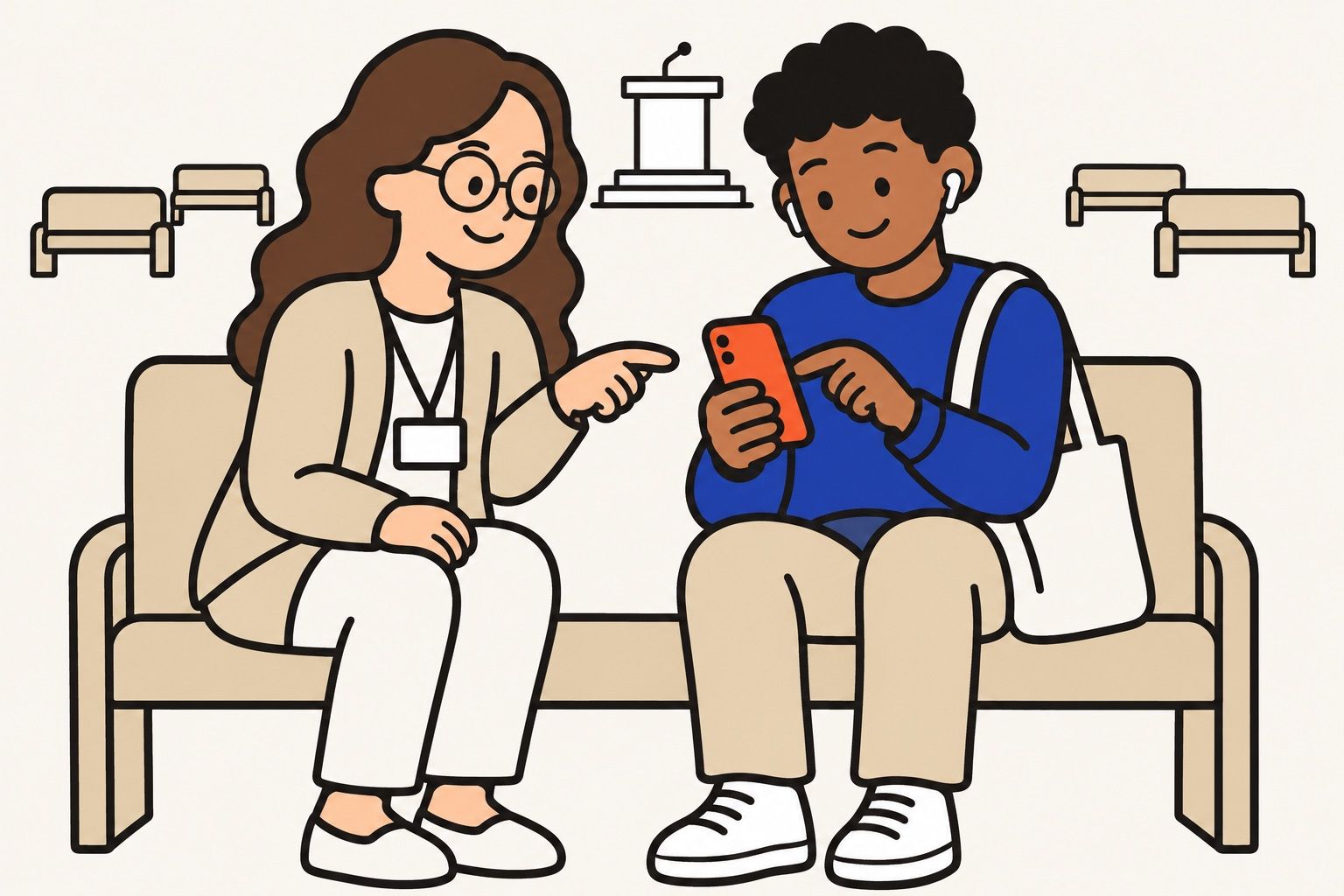
Before leaving, ask, “Can you follow the sermon in the language you chose?” If they need more help, introduce the designated helper and explain where they reached in the checklist. Stay with the guest until the helper understands what support is needed.
Agree beforehand what the team will do if joining remains difficult. That might mean asking an available bilingual volunteer to sit nearby. Explain the church's planned alternative kindly and check whether it helps the guest follow.
Keep the card, announcement and helper instructions together for Sunday. After the service, ask volunteers which instructions needed explaining and revise the wording together for the next welcome.
To plan the rest of Sunday, see how the church sets up SermonLM and our bilingual service walkthrough.